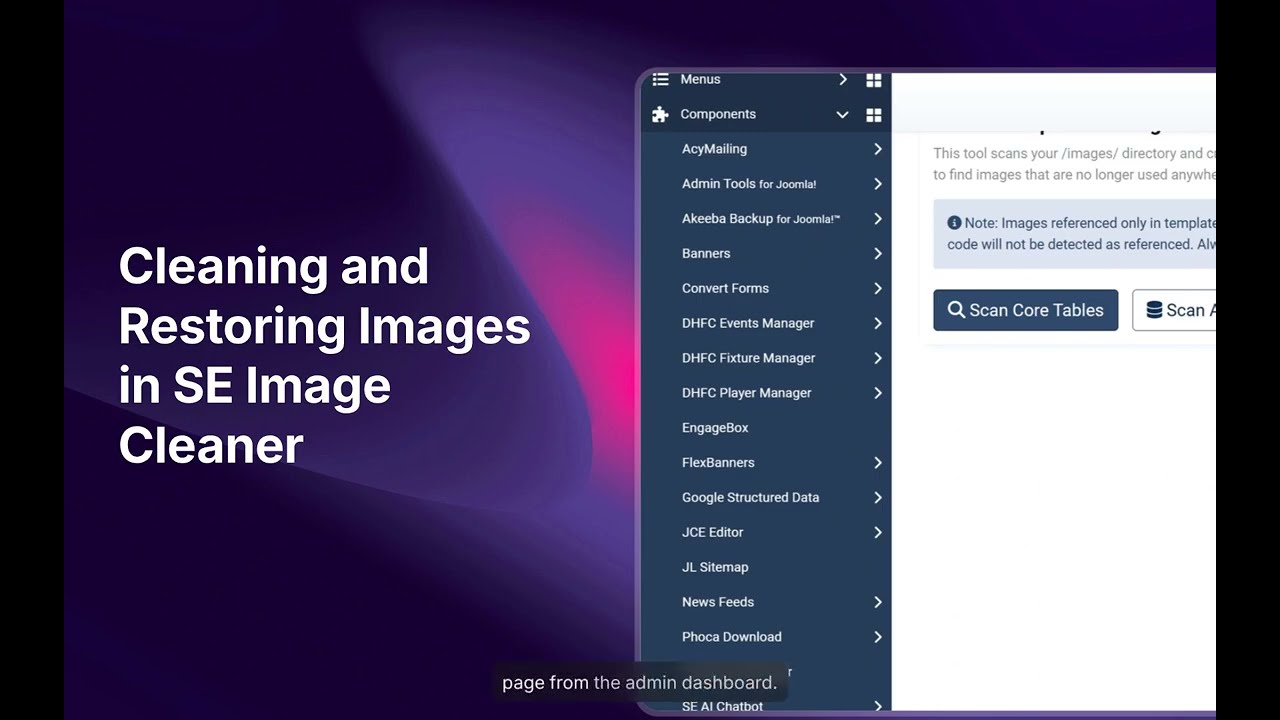
SE Image Cleaner - 1
SE Image Cleaner - Video

SE Image Cleaner

Find and remove orphaned images clogging up your Joomla site. SE Image Cleaner scans your /images/ directory, cross-references every file against your database, and shows you exactly which images are no longer used — so you can reclaim disk space and keep your media library clean.

Features:
Smart orphan detection across Joomla and popular extensions
Safe two-step deletion with reviewable trash folder
AJAX scanning with progress bar and logging
Safe list excludes protected images from scans
Core-only or full database deep scanning modes
Image previews, search, sorting, and pagination
One-click restore from trash to original location
Save money on web hosting
Details:
Every Joomla site accumulates unused images over time. Articles get deleted but their images stay behind. Page builder layouts change but the old graphics remain in /images/. Plugins get uninstalled but their media files linger. Over months and years, this dead weight adds up — eating disk space, slowing down backups, and cluttering your media manager. SE Image Cleaner solves this by doing something deceptively simple: it checks every single image file in your /images/ directory against every reference in your database, and tells you which ones aren't used anywhere.
 
The scan runs entirely through AJAX, processing one database table at a time with a live progress bar. This means it works reliably on large sites with tens of thousands of images and hundreds of database tables — no PHP timeouts, no white screens, no memory errors.
 
You can watch the scan work through each table in real time. It doesn't just check Joomla core content. Out of the box, SE Image Cleaner knows about SP Page Builder, K2, EasyBlog, VirtueMart, Kunena, JCE, Akeeba Engage, and many more popular extensions. When you choose the "Scan All Tables" mode, it goes further and checks every text column in every table in your database, catching references you might not even know existed. When orphans are found, you're in full control. Preview thumbnails to jog your memory.
 
Filter and sort by filename, size, or date. Select the ones you want to deal with and either move them to the built-in trash folder or delete them permanently. The trash folder acts as a safety net — images sit there until you're ready to permanently remove them, and can be restored to their original location at any time. For images that appear as orphans but you know are used in template files, CSS, or hardcoded in custom code, the safe list feature lets you mark them as protected. Safe-listed images are automatically skipped in all future scans, so you won't keep seeing the same false positives.
 
SE Image Cleaner is completely self-contained. It doesn't create any database tables, doesn't need cron jobs, and has no external dependencies. Install the component, run a scan, and start cleaning. The entire component can be removed just as cleanly as it was installed.
Version
v1.7.5 5 6
Last Updated
30 Mar 2026
Cost
£39 with 12 months support
A developer license option is available at checkout for unlimited activations.
?>

If you have any questions, need a quote or what to chat to me about websites, please fill out the form and I will get back to you as soon as possible or call me on:

07480 477885